
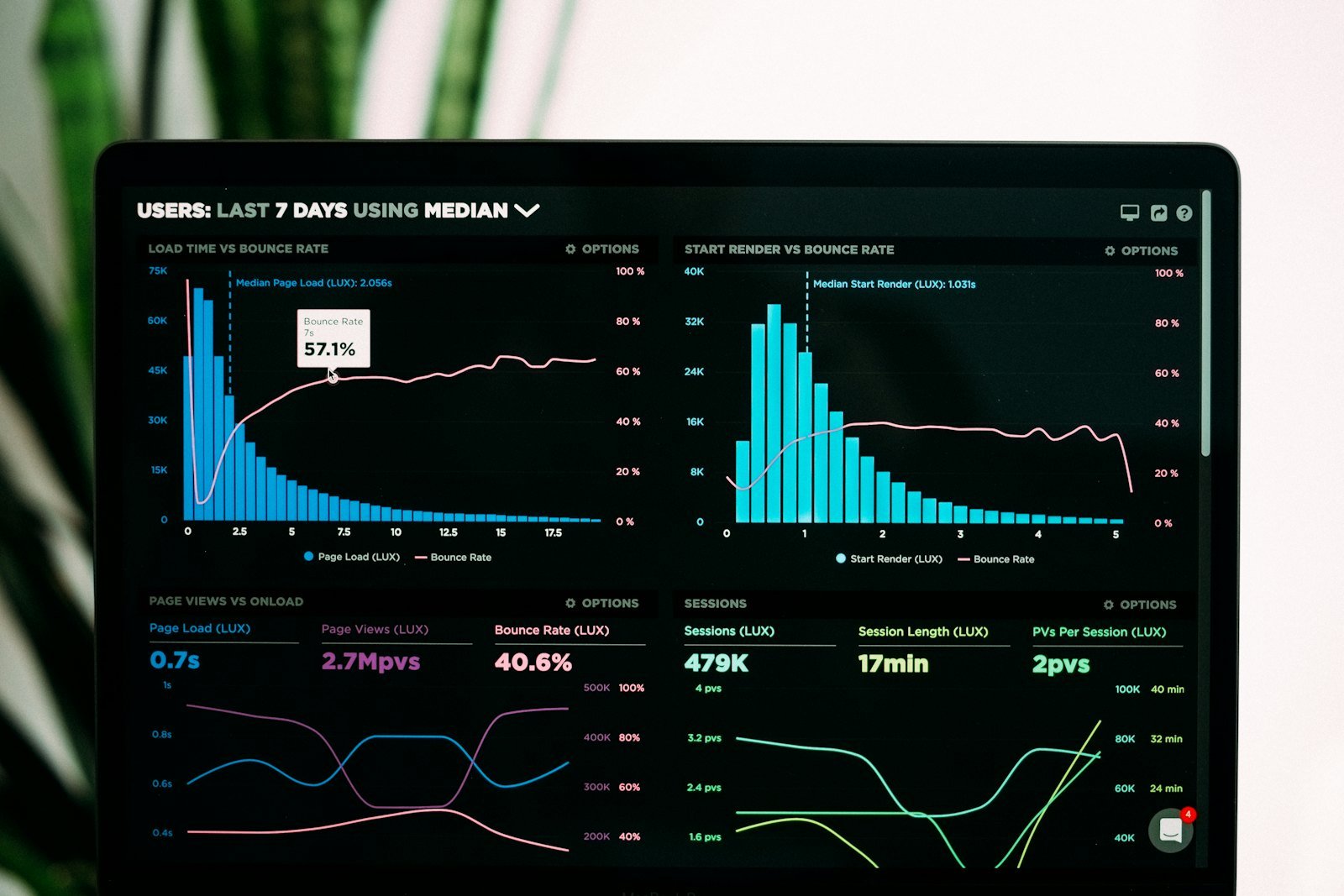
Most small and mid-sized businesses run on Excel. It is flexible, familiar and good enough, until it is not. Files get copied and renamed “final_v7”, numbers differ between teams, and someone spends the first three days of every month rebuilding the same report by hand.
Moving to cloud reporting does not mean replacing everything or hiring a data team. Done in small steps, it takes weeks, not months. Here is a practical path.
Signs it is time to move
- Monthly reports take days to assemble
- Two people give two different answers to the same question
- Only one person understands the master spreadsheet
- Decisions wait for “the latest numbers”
Step 1: Map what you have
List every report people actually use, where its data comes from, and who needs it. Many businesses discover that a third of their reports are never opened. Drop those first. Keep the list short: the 5 to 10 reports that drive real decisions.
Step 2: Clean and centralise the data
Cloud dashboards are only as good as the data behind them. Agree on one definition per metric (what counts as a “customer”, a “sale”, an “active” account), remove duplicates, and move the source data into one shared place, such as a cloud database or a well-structured cloud spreadsheet. This is the least glamorous step and the most valuable one.
Step 3: Automate the refresh
Connect the central data to your reporting tool so figures update on a schedule instead of by copy and paste. This is where “3 days of reporting” becomes “15 minutes of checking”. Add simple automatic checks (totals match, no empty fields) so errors are caught before anyone sees them.
Step 4: Build a dashboard people will use
Start from the decisions, not the data. For each audience, show only the few numbers they act on, with clear labels and sensible defaults. Share it by link, train the team for 30 minutes, and ask for feedback after two weeks. A dashboard nobody opens is just another file.
Keep Excel where it shines
You do not have to abandon Excel. It remains excellent for quick analysis and what-if modelling. The change is that it stops being your system of record and becomes one tool among several, fed by the same trusted data.
A realistic starting point
For most SMEs, one focused pilot is enough: pick the single report that costs the most time, move it through the four steps, and measure the hours saved. That result makes the case for the next one.
Want help with your first pilot? DataMapster works remotely with SMEs worldwide, in English and French. Book a free call and we will look at your reporting together.